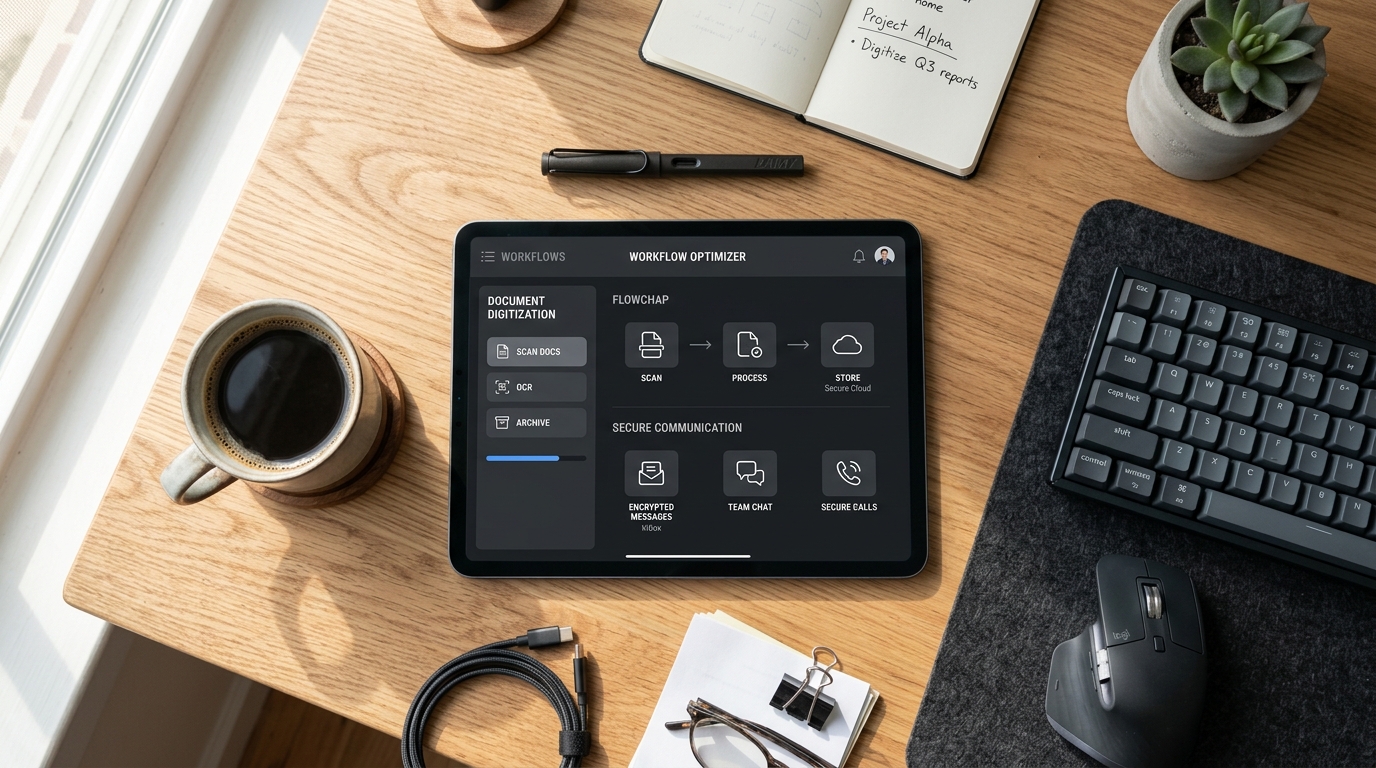
Most productivity software built today is engineered to keep you inside its ecosystem for as long as possible, which is exactly why so many professionals abandon these heavy platforms within the first week of use. At its core, Codebaker is a mobile app company that builds specialized utility applications—such as document scanners, secondary communication lines, and digital fax tools—designed to solve distinct professional tasks without the burden of complex ecosystem lock-in. In my experience as a UX researcher, I have consistently observed that users do not want to learn a new software suite; they simply want to complete the job in front of them and move on with their day.
This reality is becoming even more pronounced as the software industry evolves. According to data from Precedence Research, the global custom software development market is anticipated to grow from $53.02 billion in 2025 to $334.49 billion by 2034. Concurrently, a recent McKinsey study highlighted by 13Labs found that emerging AI coding tools are reducing the time developers spend on routine coding tasks by 46%. With development accelerating globally, the market is quickly flooding with feature-heavy applications. However, faster development and massive market growth do not automatically translate to better user experiences. In fact, the opposite is often true: the temptation to pack every possible feature into a single interface creates cognitive overload. This is why a utility-first approach—where apps are engineered to do exactly one thing perfectly—is proving superior for everyday mobile workflows.

Acknowledge the Shift in User Hardware Realities
Before we look at specific software solutions, we have to understand the hardware realities of modern professionals. The global mobile market is incredibly diverse. When conducting usability testing in the field, I rarely see a homogenous set of devices. Some users rely on an older iPhone 11 to handle their daily administrative tasks, appreciating its reliability and familiar form factor. Others have upgraded to a base iPhone 14 for better battery efficiency during long shifts, while power users might process complex field reports on a larger iPhone 14 Plus or capture high-resolution site photography with an iPhone 14 Pro.
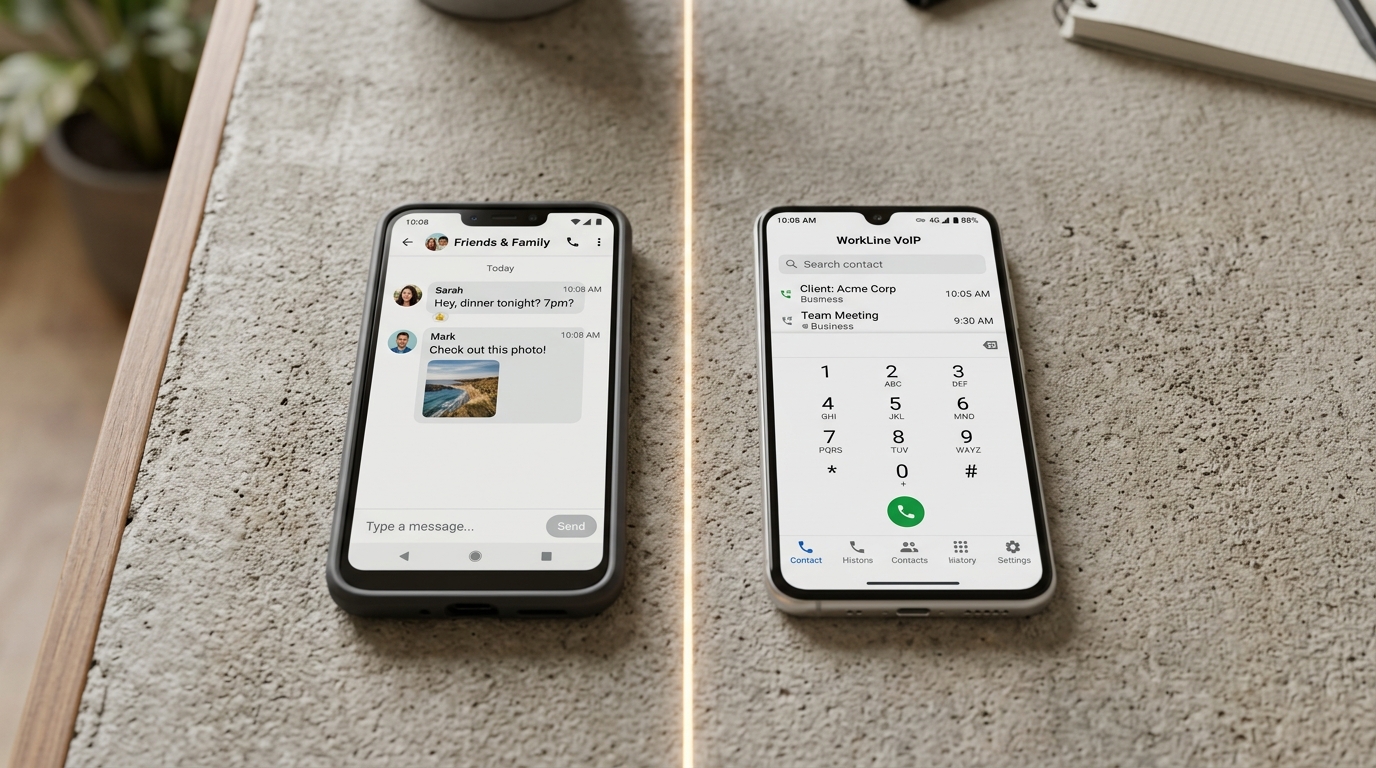
As a company that develops mobile tools, our goal is to ensure that the software performs consistently regardless of the silicon inside the user's pocket. It is incredibly frustrating for a user when an application assumes they are running the latest hardware and lags or crashes on older models. Utility applications must be lightweight by design. They should respect the device's processing limits while delivering enterprise-grade outcomes. By focusing intensely on specialized tasks, developers can optimize resource usage, ensuring that opening an app, completing an action, and exporting the result feels instantaneous across the entire hardware spectrum.
Digitize Physical Documents Without the Friction
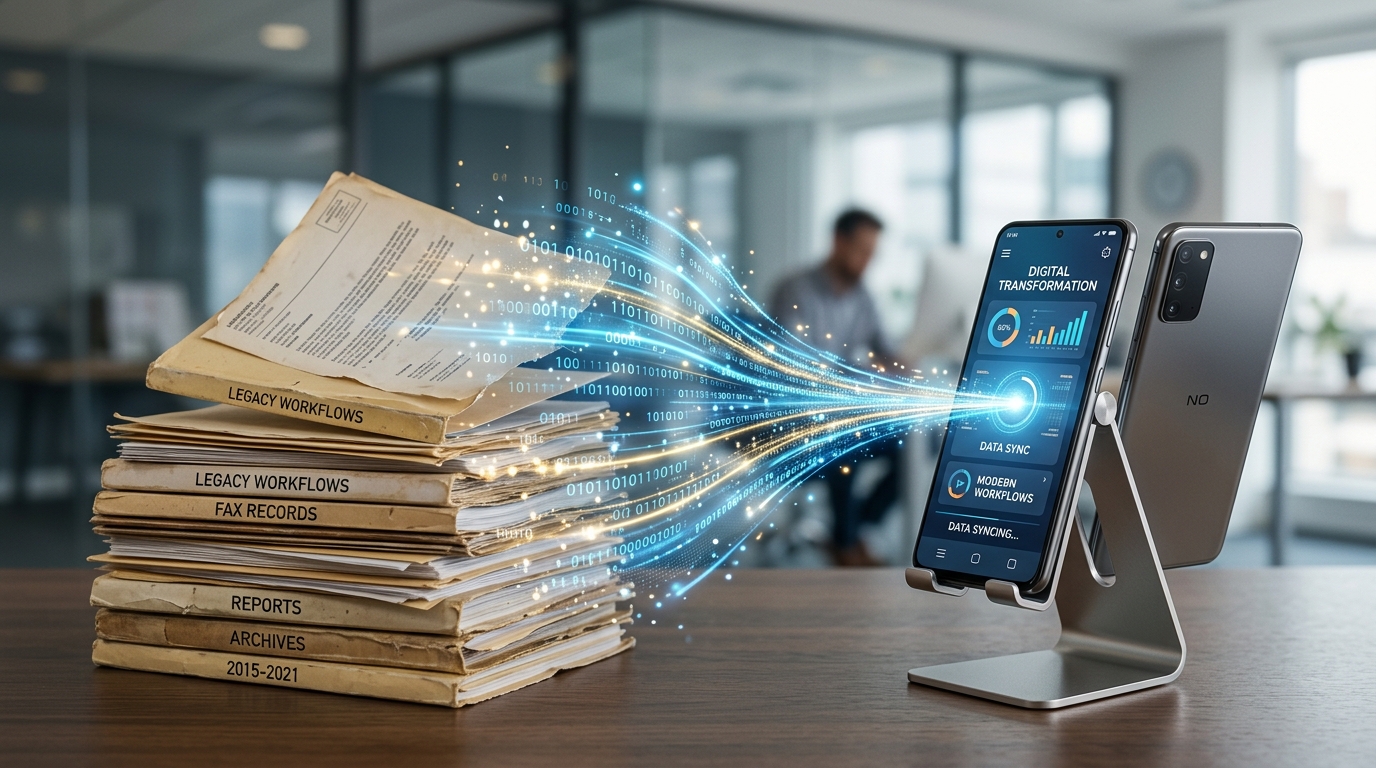
The transition from physical paper to digital records is a task that almost every professional faces, yet it remains surprisingly friction-heavy. Whether you are a freelance contractor capturing receipts on a job site or a legal consultant archiving signed agreements, the core user need is immediate clarity. You need to scan the paper, ensure the text is legible, and generate a secure file. You do not need a mandatory cloud subscription, a social sharing feed, or an overly complex dashboard that gets in the way of the camera.
This precise user journey is the foundation for the Scan Cam: Docs PDF Scanner App. In my UX evaluations, I look for tools that minimize the number of taps between opening the app and exporting the final document. A reliable scanner app must utilize the device's camera effectively to auto-detect edges, correct perspective distortions, and enhance contrast so that the resulting docs are crisp and professional. The interface should disappear, allowing the user to focus entirely on the physical paper in front of them. By isolating document digitization into a standalone utility, users can process high volumes of paperwork rapidly, knowing that the resulting PDF will be formatted correctly for immediate email attachment or internal archiving.
Establish Clear Communication Boundaries
Another major area of friction I observe in professional workflows is the merging of personal and business communications. Many independent professionals start their businesses using their personal cell phone numbers. At first, this seems convenient. However, as the client base grows, the lack of boundaries becomes a significant source of stress. Client calls interrupt family dinners, and professional text messages get lost among personal group chats. Furthermore, handing out a personal number compromises privacy.
While an individual might rely on a major network provider like T-Mobile for their primary cellular service and personal data, they often require a completely separate channel for business interactions. They need a way to screen incoming professional calls, set distinct business hours, and maintain a professional presence without having to carry a second physical device.
This is where virtualization provides a massive UX advantage. Using a dedicated utility like the Text &Call Second Phone Number application allows professionals to route their business communications through a VoIP interface directly on their existing device. It is critical to understand the distinction here: this type of software operates as a virtual number service rather than a hardware-based SIM provider. By isolating business communications into a separate application, the user regains control over their attention. When the app rings, they know it is a client. When they need to disconnect for the evening, they can silence the utility without missing emergency calls from their personal network. This clear delineation reduces mental fatigue and strengthens the professional image presented to clients.
Modernize Legacy Business Workflows
It is a common misconception that emerging technologies instantly replace older communication protocols. In reality, legacy systems persist for decades, particularly in highly regulated industries. Healthcare providers, legal practices, and real estate agencies still rely heavily on fax transmissions. For a modern professional operating primarily from a smartphone, encountering a mandatory fax requirement can be a sudden and jarring workflow interruption. Finding a physical fax machine in today's business environment is both time-consuming and inefficient.
The solution is not to force the entire industry to abandon their legacy systems overnight—a nearly impossible task—but rather to build a bridge between modern mobile hardware and traditional receiving endpoints. As my colleague Onur Başaran explored in a recent technical breakdown, From Hardware to Pocket: A Technical Look at Codebaker’s Utility App Portfolio, replacing office hardware with specialized software requires deep engineering focus.
For users who occasionally need to transmit sensitive documents to traditional endpoints, the FAX Send Receive (ad-free) App serves as that essential bridge. A well-designed fax utility strips away the complexity of traditional telecom routing. The user simply attaches a digitized document—perhaps one they just captured with their scanner tool—enters the destination number, and hits send. The software handles the complex analog-to-digital conversions in the background. By treating faxing as a discrete utility rather than an obscure feature buried in a massive enterprise suite, the task becomes as simple as sending a standard mobile message.
Evaluate Your Mobile Tools Based on Practical Outcomes
When selecting apps to support your daily operations, it is easy to be swayed by extensive feature lists. Marketing materials often highlight how many different functions an application can perform. However, from a strictly usability-focused perspective, a long feature list usually indicates a steep learning curve and a cluttered interface.
I recommend conducting a simple workflow audit. Identify the specific tasks that cause friction in your day. Are you struggling to digitize multi-page contracts cleanly? Are you answering client calls on your personal time because you cannot differentiate the incoming rings? Are you wasting hours trying to find a physical machine to send medical records?
Once you identify the exact point of friction, look for a tool built specifically to eliminate it. The mobile apps that earn a permanent place on a professional's home screen are those that respect the user's time, perform their designated function reliably across various device generations, and require minimal cognitive effort to operate. By curating a portfolio of highly focused utility applications, you can build a mobile workspace that actually supports your productivity rather than hindering it.