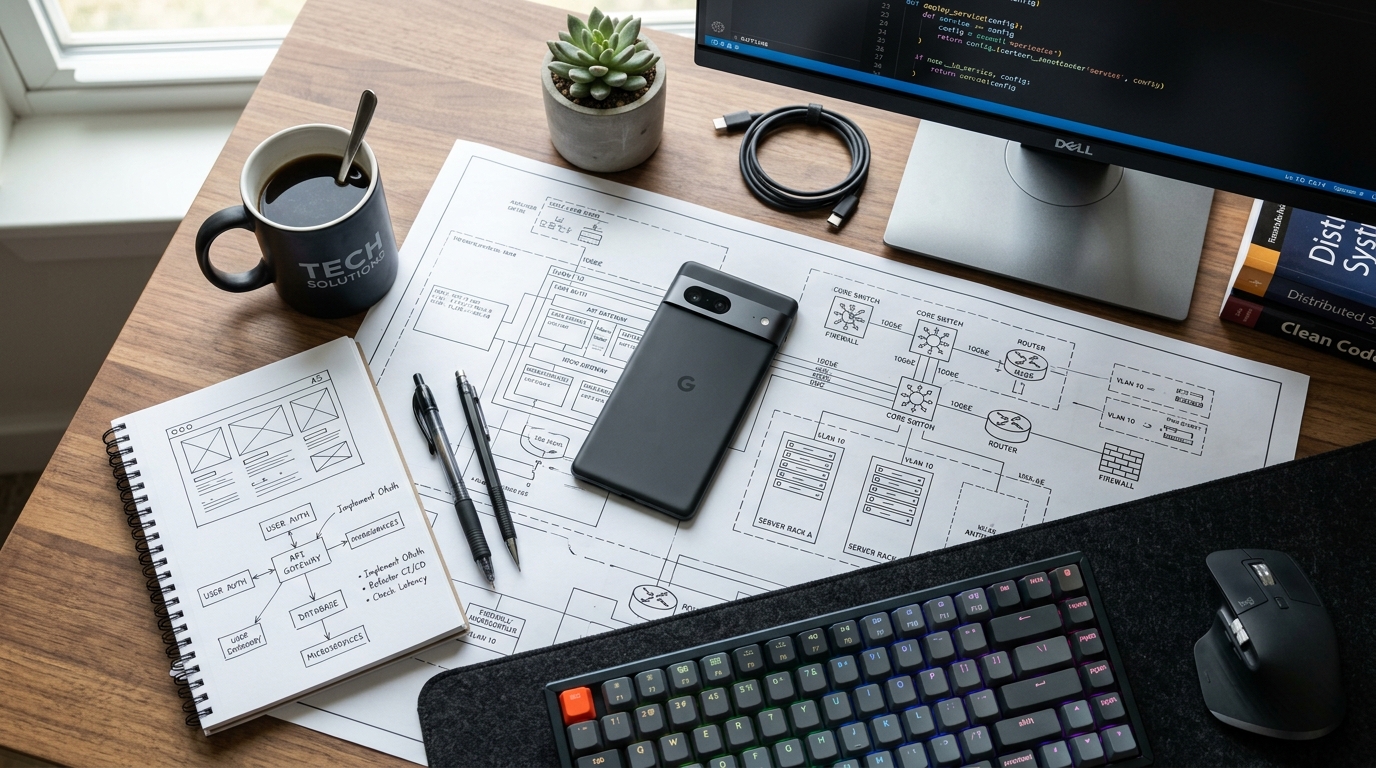
According to recent industry tracking data, mobile devices now account for more than half of global platform share. This shift is more than just a trend in casual browsing; it represents a significant shift in how professionals handle their daily operational workloads. Codebaker builds specialized utility applications—including document scanners, second phone numbers, and mobile faxing tools—designed to replace legacy hardware with streamlined digital workflows.
Over my nine years working as a software engineer specializing in document scanning technologies and Optical Character Recognition (OCR) systems, I've observed a clear pattern in how professionals adopt software. They rarely seek out bloated, multi-purpose platforms for quick tasks. Instead, they look for highly focused applications that execute a specific function reliably. Translating physical hardware—like a flatbed scanner or a traditional fax machine—into a reliable piece of pocket software requires rigorous engineering.
In this walkthrough, I will break down the exact steps and technical considerations we take at Codebaker to build and maintain our core portfolio of mobile utilities, and examine the distinct user outcomes each application is designed to deliver.
Step 1. Market realities dictate a focused approach to development
Before writing a single line of code, our initial step is identifying the specific frictions users experience with traditional hardware. The global mobile application market continues to grow, driven largely by enterprise and professional productivity demands. Yet, a vast majority of the apps available fail because they try to solve too many problems simultaneously.
We take a subtractive approach. If a user needs to digitize a contract, they do not need a social network attached to their scanner. If they need to send a secure document to a medical facility, they need direct transmission, not a complex cloud storage suite. As previously detailed in our internal product philosophy discussions, this dedication to everyday utility forms the baseline of our entire product roadmap. We focus exclusively on the mechanics of capturing, processing, and transmitting data securely.
Step 2. High-fidelity document digitization requires precision
The second step in our portfolio strategy addresses the most common hardware replacement: the flatbed scanner. Transforming a mobile camera lens into a professional-grade digitization tool introduces complex image processing challenges. When a user holds their phone above a document, they introduce perspective distortion, uneven lighting, and shadow interference.
My core background is in solving exactly these OCR and image correction problems. To process text accurately, the software must autonomously detect the boundaries of the paper, warp the perspective to a flat plane, and apply binarization filters to increase the contrast between the ink and the paper. This is the exact engine running inside the Scan Cam: Docs PDF Scanner App.

When you scan a multi-page contract using the cam on your device, the app locally processes the visual data to extract readable text and assemble a compliant PDF. This ensures that the docs remain legible and properly formatted for business use. By handling the heavy mathematical processing on the device itself, the scanner provides immediate feedback, allowing the user to quickly capture high-volume paperwork without relying on external server processing for the initial image correction.
Step 3. Segmented communication channels protect user privacy
Once local processing and digitization are handled, the next logical step in business operations is communication. Freelancers, small business owners, and remote workers frequently face the problem of mixing personal and professional communication on a single device.
Our solution here is the Text &Call Second Phone Number. It is important to define exactly what this application does and does not do. This application is a virtual Voice over Internet Protocol (VoIP) service; it is not a physical SIM card replacement, nor is it a traditional carrier service like T-Mobile or Vodafone.
To implement this effectively, we engineer the application to route voice packets and text messages over active data connections. This structural approach ensures broad compatibility. Whether a user is operating an older device like an iPhone 12 or utilizing the modern architecture of the latest Pro models, the routing protocol remains stable as long as there is internet connectivity. This segmentation allows a professional to maintain a dedicated business line for client interactions, establishing boundaries without the expense of purchasing a second physical device.
Step 4. Legacy protocols require functional digital bridges
The fourth step addresses an often-overlooked reality in modern business: legacy infrastructure. Despite the proliferation of email and secure cloud portals, major sectors such as healthcare, legal services, and government administration still rely heavily on the T.30 fax protocol. Physical fax machines are expensive to maintain and tie professionals to a specific desk.
To bridge this gap, we developed the FAX Send Receive (ad-free) App. The engineering challenge here is translating modern digital files (like the PDFs generated by our scanning tools) into the audio tones required by traditional telephone networks.
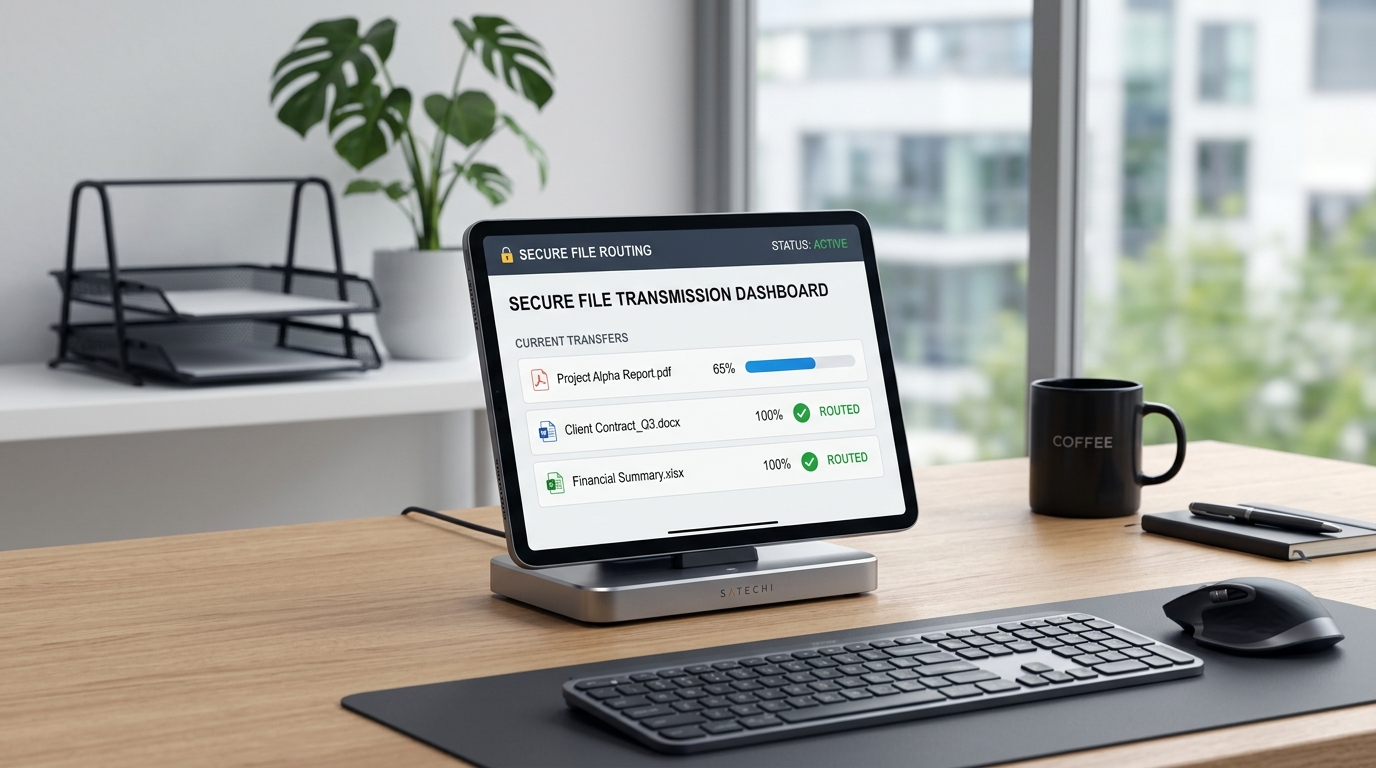
When a user initiates a transmission, the application securely packages the document and routes it through a digital gateway that interfaces directly with legacy telecom lines. It negotiates the handshake with the receiving physical fax machine, transmits the data, and returns a digital confirmation receipt to the user's mobile device. This allows professionals to interface with bureaucratic and medical institutions entirely from their phones, completely bypassing the need for physical hardware.
Step 5. Agentic workflows reshape how we maintain these systems
The final step in our portfolio strategy focuses on stability and continuous improvement. Building these apps is only half the equation; maintaining their reliability across hundreds of different device configurations and operating system updates requires rigorous testing protocols.
Software development is fundamentally shifting from merely writing code to orchestrating intelligent agents that assist in the software lifecycle. We see this actively in our own engineering workflows. We utilize automated agentic testing systems to simulate thousands of document edge-cases, variable lighting conditions for OCR extraction, and network latency scenarios for our VoIP routing.
By delegating repetitive quality assurance tasks to coordinated testing teams of AI agents, our human engineers can focus entirely on architectural improvements and security. This human-oversight model ensures that when a new operating system launches, our applications are already optimized for the updated environment. Underlying reliability often matters far more than an extensive list of superficial features, and our adoption of these modern development workflows guarantees that foundational reliability.
Ultimately, a successful portfolio of utility applications rests on a simple premise: respect the user's time. By focusing on specific outcomes—clear document processing, protected communication lines, and reliable legacy protocol integration—we ensure our software acts as a true operational asset rather than just another icon on a home screen.