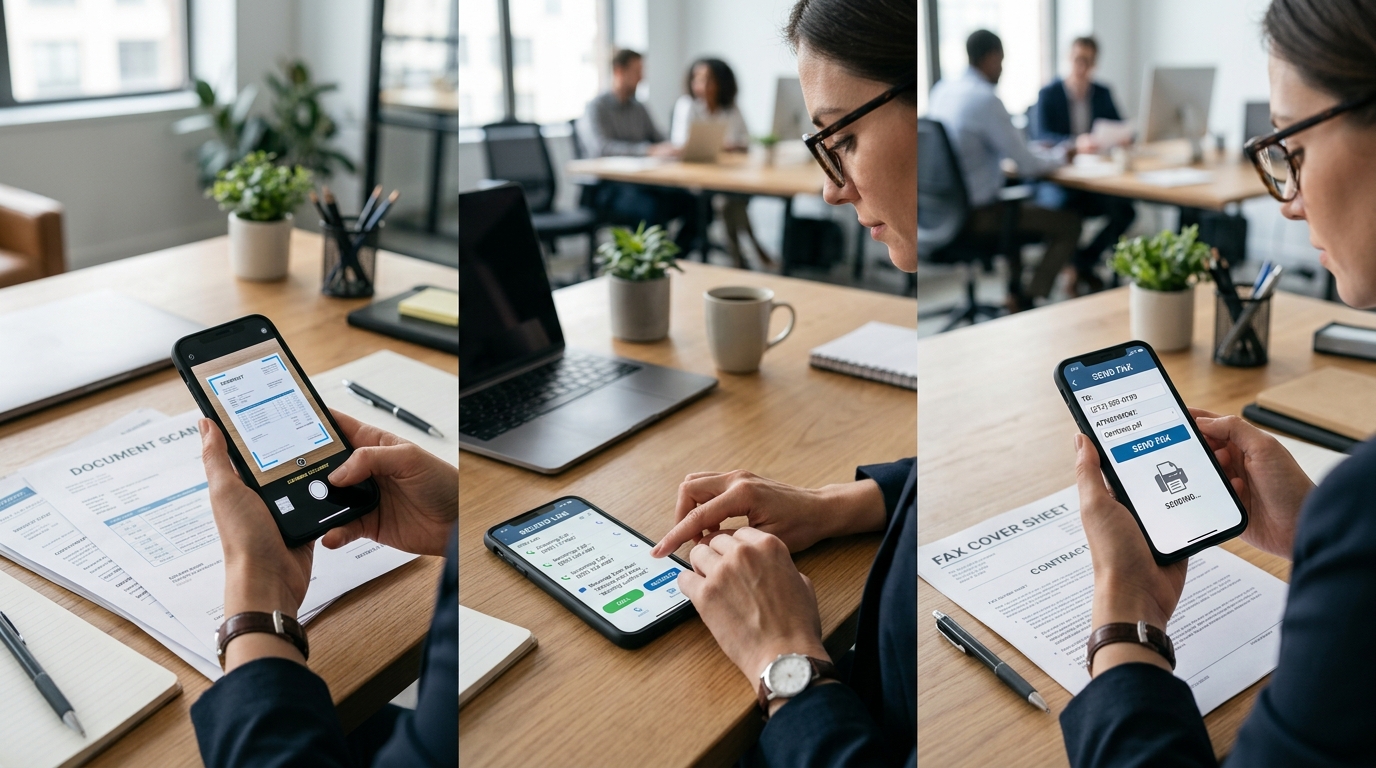
More than 6.9 billion people use smartphones worldwide, but most users rely on only a small set of utility apps regularly. The practical question is not which mobile apps have the longest feature list, but which ones solve repeat problems with the least friction. A utility app is software built for a specific recurring task such as scanning documents, sending a fax, or managing a second phone number, and the best choice usually comes down to reliability, output quality, privacy, and total effort.
From my perspective building cloud storage and file management systems, I see the same pattern across categories: users often compare flashy extras before they verify the basics. That is backwards. If you are evaluating apps in categories like scanner tools, virtual number services, or fax workflows, you should first identify the job you need done, then compare where each approach breaks under real-world use.
Recurring tasks matter more than broad feature lists
People often download a mobile app because it promises to do everything. In practice, broad positioning can hide weak execution. A document scanner that also claims to be a full office suite may still struggle with edge detection, file naming, export consistency, or cloud sync. A text and calling app may advertise many number options, but that does not tell you whether message delivery is dependable or whether setup is clear. A fax tool may look simple in screenshots but become frustrating once you need to combine pages, confirm receipt, or resend a failed transmission.
The right comparison starts with the recurring task:
- If you frequently need to scan receipts, IDs, contracts, or forms, image quality and file handling come before decorative editing tools.
- If you need a second number for calls or text, number availability, call stability, and account clarity matter more than novelty features.
- If you occasionally send legal, medical, housing, or business paperwork, fax reliability and confirmation records carry more weight than interface style.
This user-first view is closely aligned with how utility products should be designed. It is also why the broader category thinking at Codebaker tends to revolve around repeated everyday jobs rather than abstract feature expansion.
Document capture quality determines whether a scanner app is usable
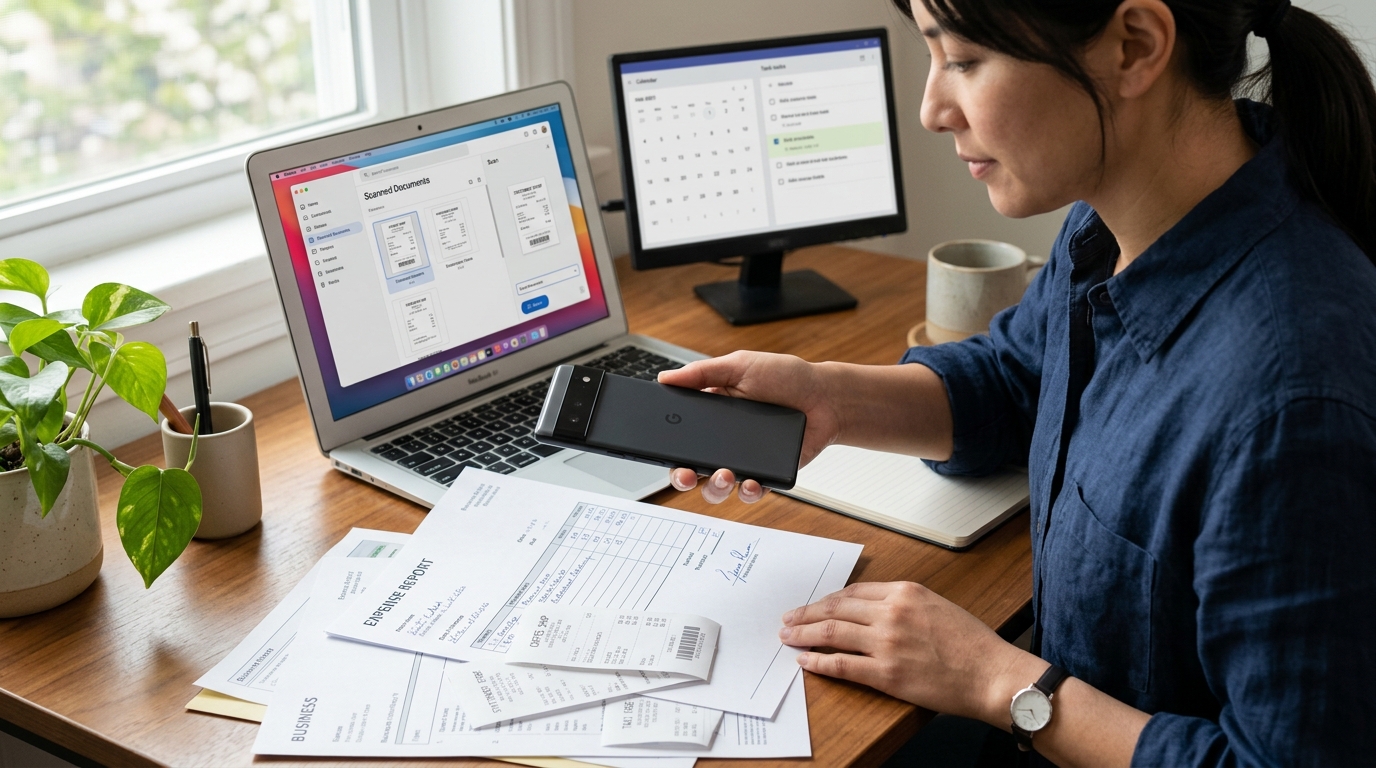
In the scanner category, users typically underestimate the importance of consistency. A single good scan is easy. The real test is whether the app can produce readable, properly cropped files across different lighting conditions, paper sizes, and backgrounds. In my experience, this is where the gap appears between a casual camera utility and a serious scanner workflow.
Here is the side-by-side comparison that matters most:
| Approach | Where it works well | Common pain point | What to prioritize |
|---|---|---|---|
| Basic camera photo | Quick reference capture | Shadows, perspective distortion, poor file organization | Only suitable for informal use |
| General-purpose scan feature inside another app | Light occasional use | Limited export options and inconsistent page handling | Check PDF creation and sharing flow |
| Dedicated scanner app | Frequent document workflows | Quality varies widely between apps | Test edge detection, OCR, naming, and storage options |
A scanner should make paper easier to work with after capture, not just during capture. That means asking a few direct questions: Can you export clean PDFs? Can you scan multi-page documents without repeating manual steps? Can you find files later? Can you share to the systems you already use?
For users who handle paperwork often, a dedicated tool like a document scanner and PDF management app such as Scan Cam fits the category better than relying on a generic camera workflow. The point is not that every user needs the same app. The point is that frequent document work deserves an app built around documents rather than a camera feature adapted for them.
Communication apps succeed or fail on trust and clarity
The second-number category creates a different kind of friction. Users often come in with urgency: they need separation between personal and public communication, they want a number for listings or short-term projects, or they need another line for work coordination. Because the need is immediate, many people skip basic evaluation and only discover limits after they commit.
Here, the comparison is not just app versus app. It is also service model versus service model.
Traditional carrier line: strong for long-term primary use, but often slower and more expensive to add for narrow use cases.
Virtual second-number app: faster to set up and better suited to temporary, segmented, or task-specific communication, but users should verify what the service is and is not.
This distinction matters because some users assume a second-number app functions exactly like a carrier such as T-Mobile. It does not. A virtual number app is typically best viewed as a flexible communication layer for calling and text, not as a replacement for every carrier scenario. That is especially important for people comparing options across devices such as iPhone 11, iPhone 14, iPhone 14 Plus, or iPhone 14 Pro and expecting identical behavior in every telecom context.
If you are choosing in this category, prioritize:
- Purpose fit: Is this for privacy, temporary use, work separation, or customer contact?
- Number setup clarity: Can you understand what kind of number you are getting and how billing works?
- Call and message reliability: Does the service hold up under normal daily use?
- Account control: Can you manage renewals, cancellations, and number changes without friction?
A practical example is a second phone number app for calling and text use. Used in the right scenario, this kind of service is efficient. Used with the wrong expectations, it becomes a support problem. Users who are clear on the use case tend to have much better outcomes.

Mobile fax still matters when confirmation and format are non-negotiable
Fax is a category many users think they no longer need until a hospital, insurer, government office, school, or law office asks for it. At that point, the choice becomes urgent, and urgency often leads people to pick the first app they see. That can be costly if delivery receipts are unclear or document assembly is awkward.
There are really three approaches here:
- Use a physical fax machine or office service
- Use a general office platform that happens to support faxing
- Use a dedicated mobile fax app
For occasional personal use, the dedicated mobile approach often makes the most sense because it removes hardware dependency. But the evaluation criteria are different from what users apply to scanner apps. In fax, what matters most is confirmation, transmission history, page assembly, and the ability to prepare clean source files before sending.
That is why scanner and fax categories overlap without being identical. A good scan does not guarantee a good fax workflow. If you regularly send forms from your phone, you need the full chain to work: capture, organize, review, submit, and verify. A tool like a mobile fax app for sending and receiving documents fits users who need that last-mile document delivery step from a phone instead of a machine.
Privacy expectations should be explicit before installation
Across all three app categories, users should be stricter about privacy than they usually are. Utility apps often handle personal documents, phone numbers, billing details, contact information, and records of communication. That makes permissions and storage practices more important than visual polish.
I recommend checking four things before committing to any utility app:
- What permissions are required, and do they make sense for the core function?
- Are files stored locally, in the cloud, or both?
- Can you export or delete your data without confusion?
- Does the app explain account status, subscriptions, and document retention clearly?
From a file infrastructure standpoint, hidden complexity usually shows up later. Users notice it when they try to recover a scan, trace a sent fax, or understand where a downloaded PDF went. Clear data handling is not a bonus feature. It is part of product quality.
Friction after the first week reveals the better app
First impressions are useful, but they are not enough. The strongest utility apps are often not the ones with the most dramatic onboarding. They are the ones that remain predictable once the novelty disappears.
When comparing apps, I suggest looking beyond the first ten minutes and imagining the fifth or tenth use:
- Will file names still make sense after a month of scanning?
- Will a second number still be easy to manage when your needs change?
- Will fax history still be searchable when you need proof of delivery later?
That longer view is also why category-focused companies tend to build better utility products than teams chasing unrelated trends. A company that spends years refining document and communication workflows usually develops stronger judgment about edge cases, failure points, and user tolerance for friction.
Different user groups should evaluate the same app categories differently
Not every user should prioritize the same criteria.
Students and renters often care most about quick document capture, simple sharing, and occasional fax use for forms.
Freelancers and small business operators usually need better organization, separate calling identity, and reusable document workflows.
Field workers and service providers tend to value speed, camera reliability, and the ability to send paperwork immediately from a mobile device.
Privacy-conscious users should put permission control and account transparency ahead of convenience claims.
That is worth stating clearly because many comparison articles imply there is one best app in every category. There is not. There is only the best fit for a recurring job, on a particular device, under a specific tolerance for cost and complexity.
Users often ask the wrong questions first
Do I need the app with the most features?
Usually no. In utility categories, dependable execution beats feature count.
Can one app replace every document and communication task?
Sometimes, but often poorly. Separate categories exist because the workflows are meaningfully different.
Is a second-number app the same as adding a new carrier line?
No. It is typically a virtual service designed for specific communication use cases, not a universal replacement for a carrier account.
Is a phone camera enough instead of a scanner?
For casual reference, yes. For repeated document handling, a dedicated scanner usually saves time and reduces errors.
The best choice is usually the app that removes repeat effort
If I reduce this comparison to one rule, it is this: prioritize the app that handles the full recurring workflow with the fewest repeated corrections. In scanning, that means readable files and sane organization. In second-number communication, it means clear service boundaries and reliable calling or text behavior. In faxing, it means confirmation and document control.
Users do not need more utility apps. They need better judgment about which category solves which problem. When that evaluation starts with pain points instead of promises, the decision gets much easier.